
02 – Tools For WordPress Designers
Sidekick Gutenberg Blocks
The WordPress tools I built for my own client work (and this site as well). Now, something you can build with too.
More layout freedom. Fewer custom blocks.
I built Sidekick to solve two Gutenberg frustrations: inflexible column controls and the pedestrian core menu block.
Columns that adapt for every breakpoint
Set your tablet and desktop breakpoints, and configure every single property for each one of those breakpoints. It’s also mobile first–if it doesn’t need to change as the browser widens, leave it alone and let the previous breakpoint’s value persist.
Flexible menus that don’t frustrate
Horizontal or vertical, automatic mobile-mode switching, customize transitions, colors, alignment & sub-menus all without touching code.
50 / 50
Scroll sideways to explore the layout.
Two equal columns. Core blocks handle the content inside.
33 / 67
Scroll sideways to explore the layout.
A narrow column beside a wider one. The same core content blocks.
25 / 50 / 25
Scroll sideways to explore the layout.
Three columns, with extra room in the middle. One reusable layout system.
Optional Companion
Sidekick WordPress Theme
My boilerplate starting point for WordPress projects. Use it if it fits your workflow—the Blocks plugin works independently and does not require this theme.
03 – On Camera
Development Vlogs
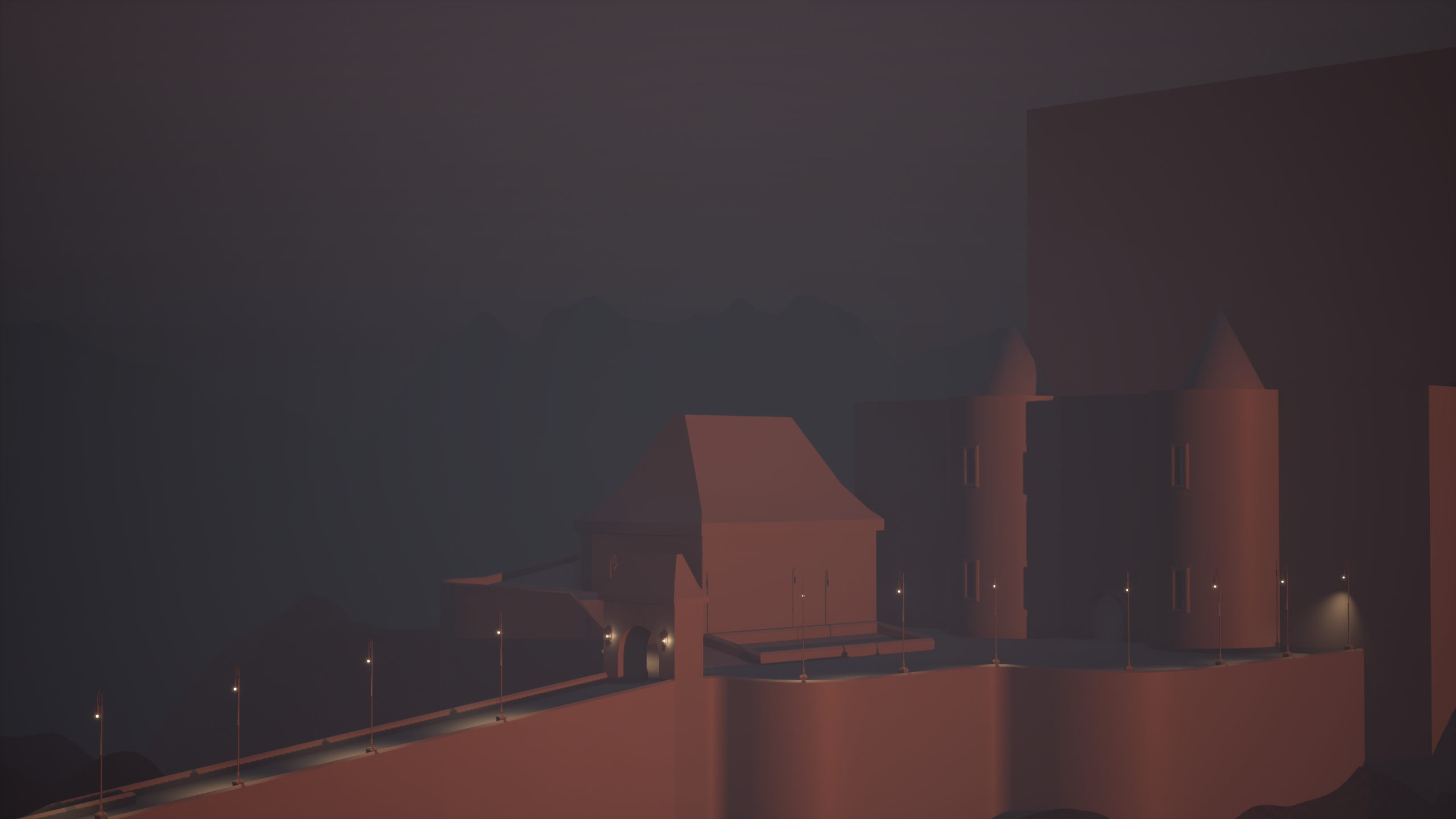
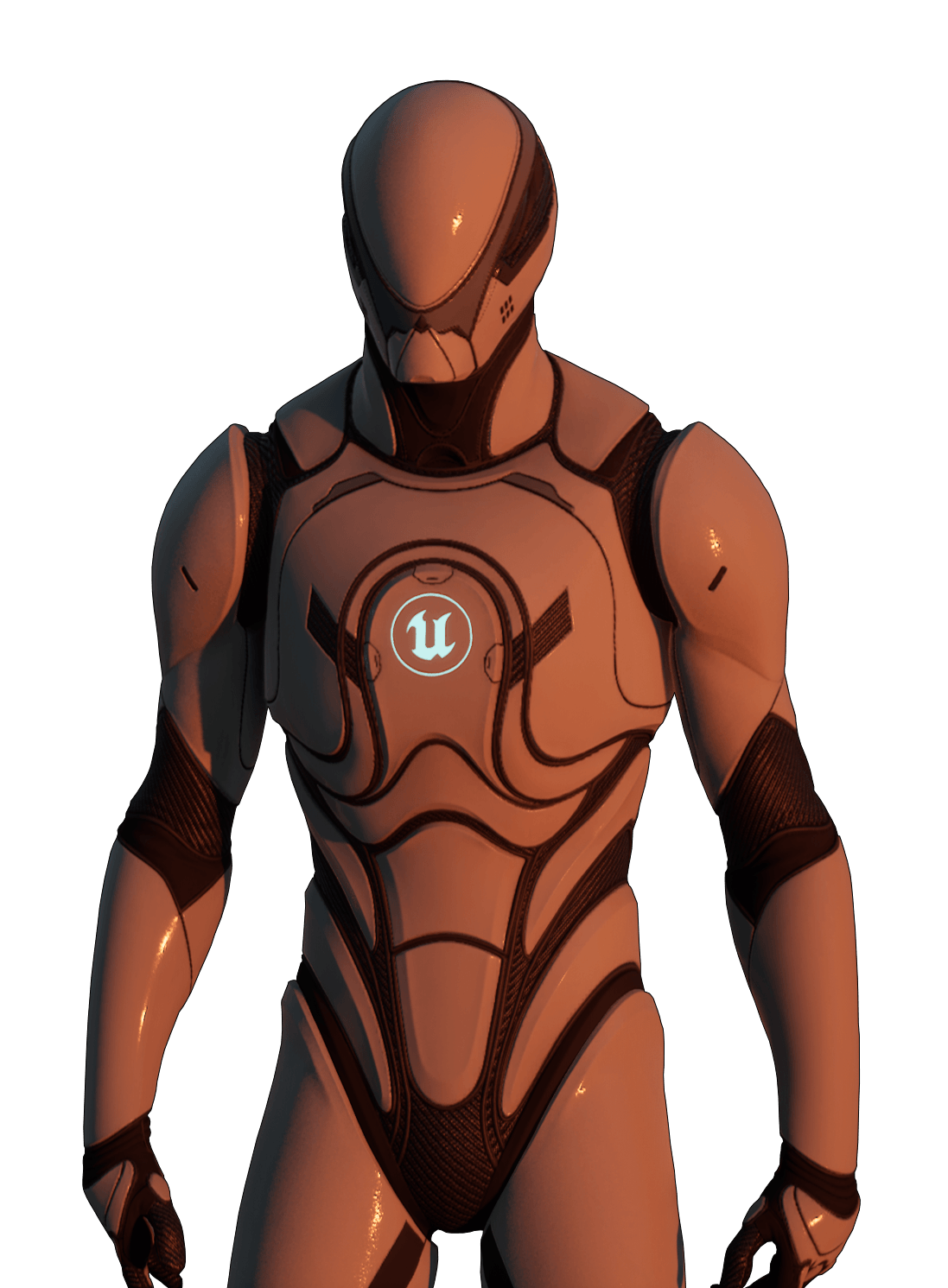
Sneak Pit updates, gameplay reactions, and other occasional percolations of interests.



04 – On The Web
Lightning Fast Websites
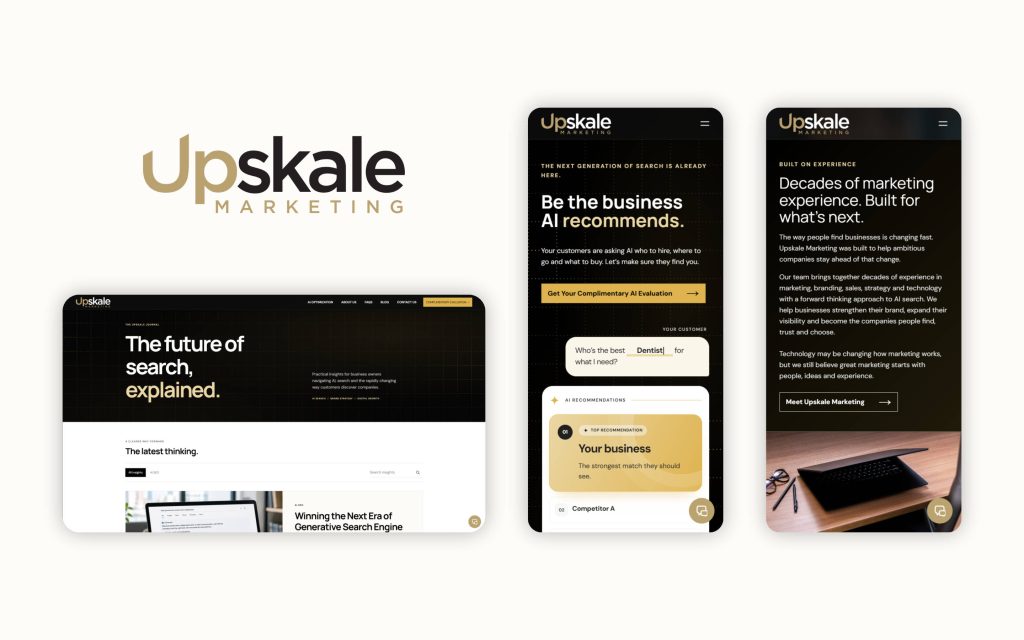
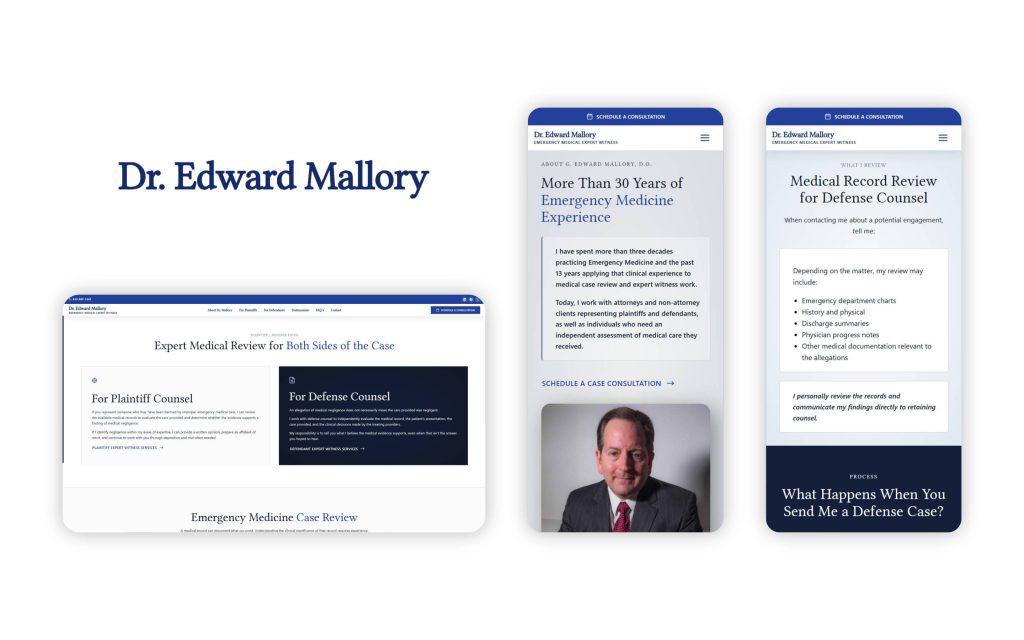
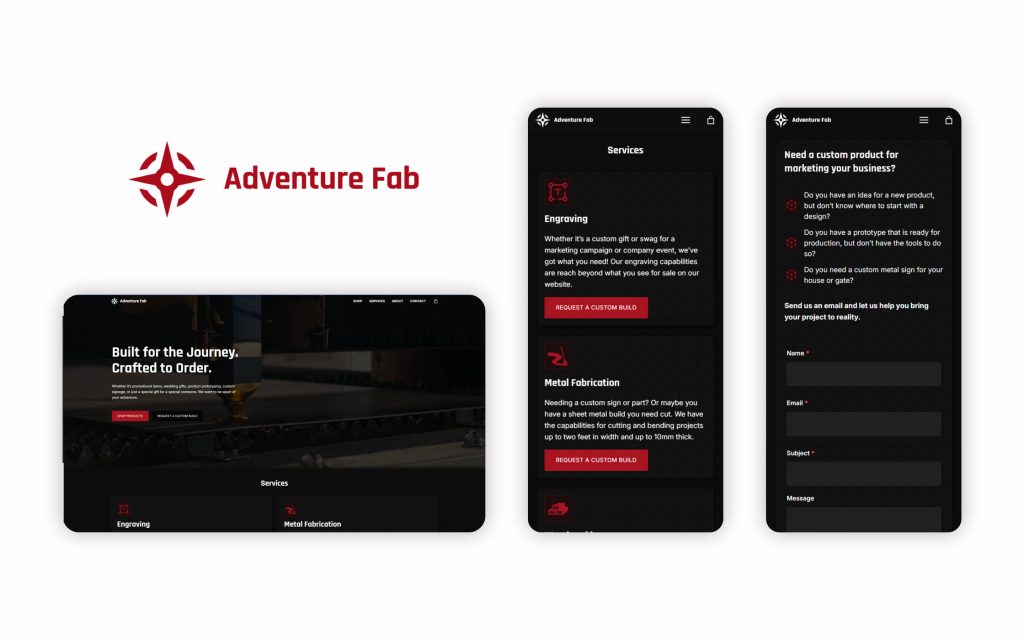
I build awesome websites that are goofy fast, easy to manage, and reduce operational friction. Check out a few recent projects below.
05 – Articles
From the workbench
Most of these are just processes that I need to remember for my own work, but occasionally I’ll sprinkle in explorations into non web-dev related topics. I’ve even considered posting recipes…only time will tell.
06 – Merch
Sneak Pit & Unreal Engine Swag
Excellent quality hoodies, t-shirts and more. I have 4 or 5 of these hoodies and they hold up impressively after a lot of washes. They’re by far the most satisfied I’ve been with a “influencer” or brand hoodie / swag product.
-
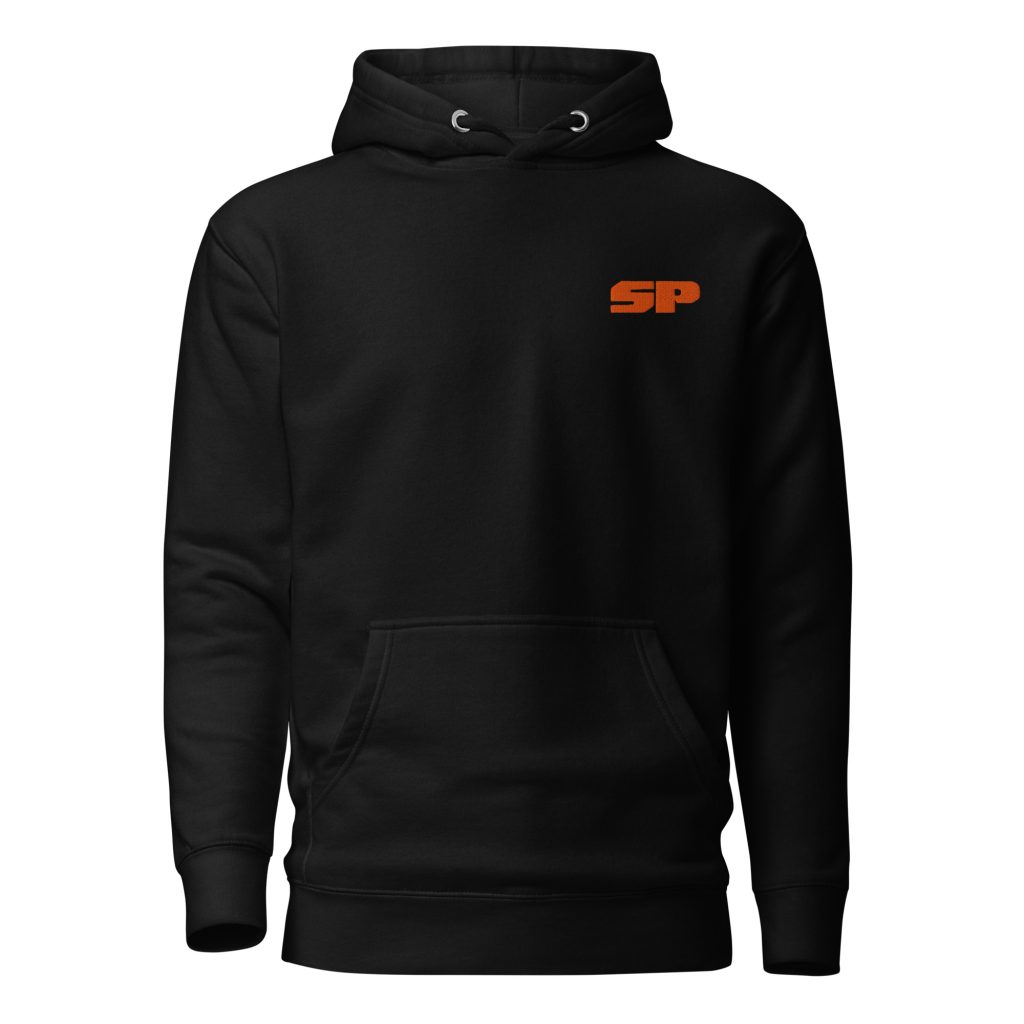
Sneak Pit Abbreviated Logo Hoodie
Price range: $42.00 through $50.50 -
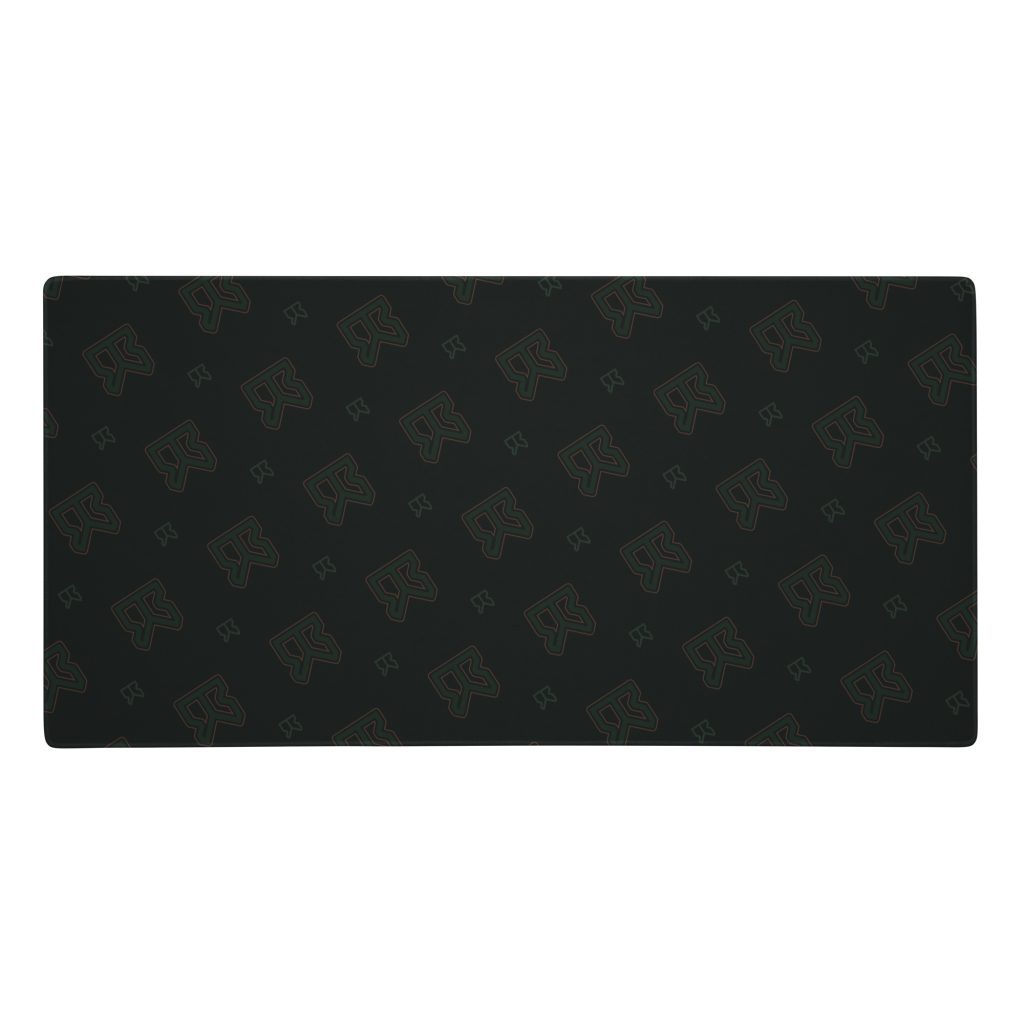
JAB Large Mousepad
$27.00 -
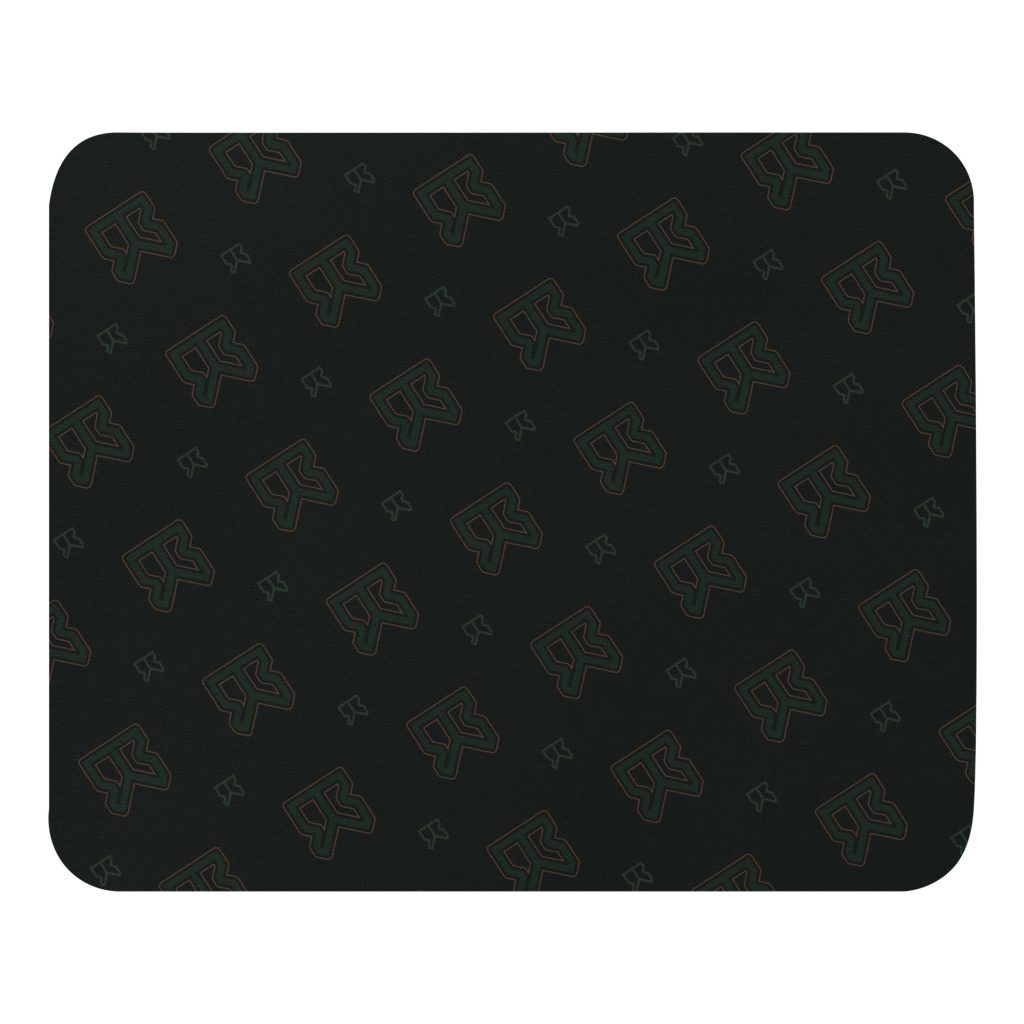
JAB Travel Mouse pad
$14.00
07 – Ready to work
Let me build your next app or website.
I work with a variety of software, and love a good challenge. Drop me a line if you need some help with your tech stack.